AI messaging assistant
Rizzify
Better replies, less friction
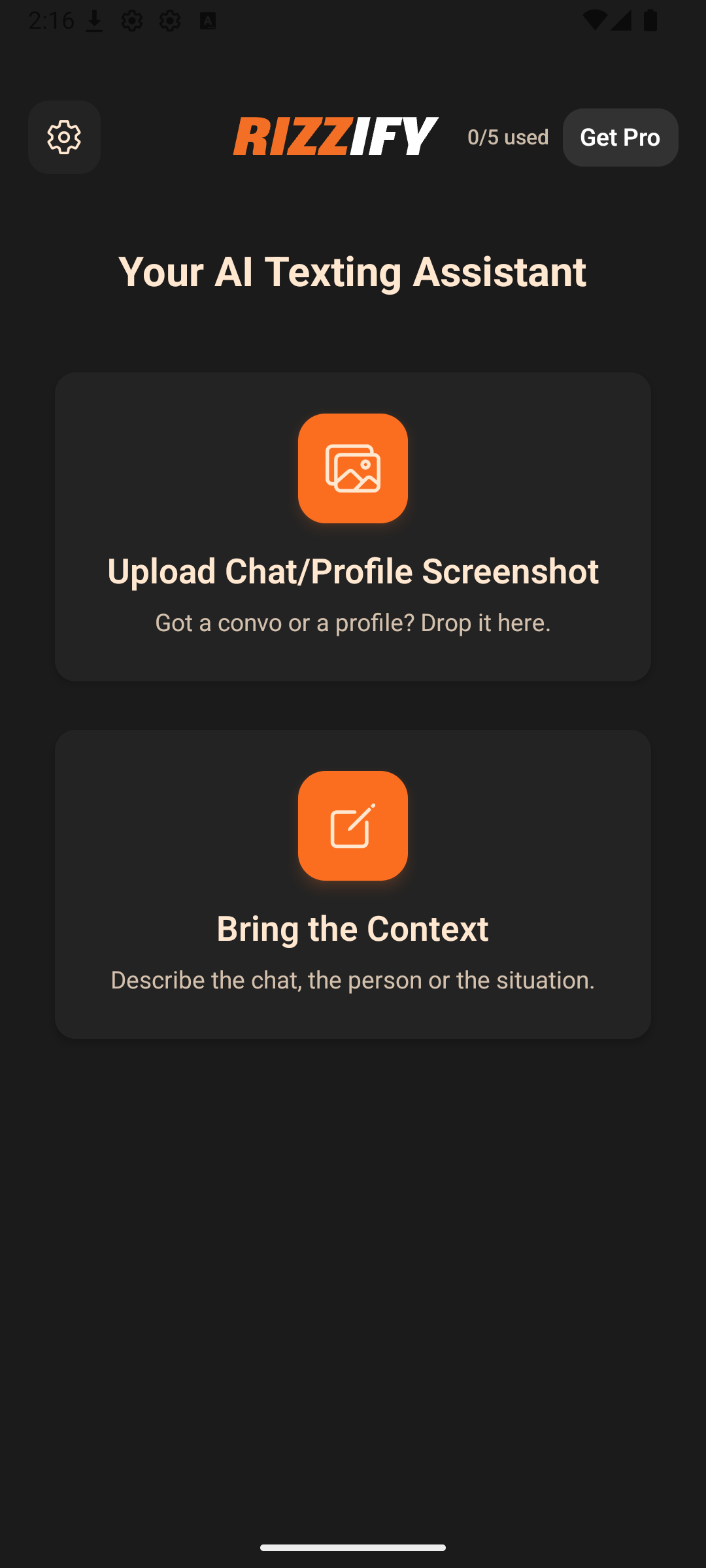
Generate openers, replies, and rewrites from the context you type or the screenshots you choose to upload.
Generate Replies
Turn context into quick response options
Use Screenshots
Upload images only when you want context analysis
Consent First
AI transfers happen only after the in-app disclosure
How it works
Add Context
Type the conversation details you want the assistant to work with.
Upload If Needed
Choose screenshots only if you want visual context analysis.
Get Suggestions
Generate multiple options, then refine the one that fits best.
Unlock More
Use the free tier or subscribe to access expanded features and limits.
Frequently asked questions
Only the text, screenshots, and instructions that you choose to enter or upload after accepting the in-app consent flow. That content is sent to the Rizzify backend and processed through OpenAI to generate the requested response.
No. Screenshot upload is optional and used only when you want the app to analyze image-based conversation context.
Subscriptions are purchased and managed through Apple App Store or Google Play, with RevenueCat used for entitlement and restore handling.